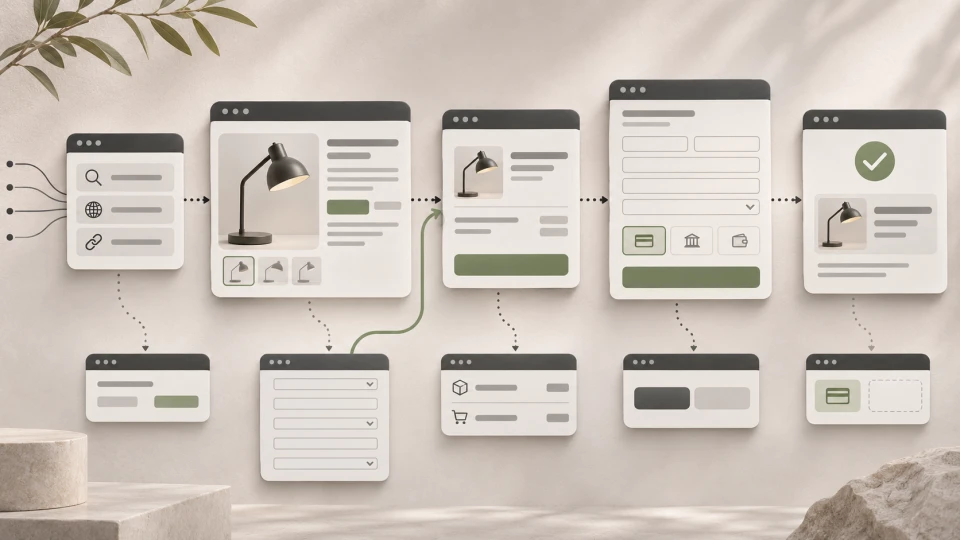
What Is a CRM System?

A CRM system is a customer relationship management tool in which a company stores structured information about potential and existing customers, sales deals, communication and next steps.
Simply put, a CRM helps the team see who the customer is, what they have asked for, which sales stage they are at, who is working with them and what needs to happen next.
A CRM becomes especially useful when enquiries can no longer be conveniently managed in one person's inbox, an Excel spreadsheet or from memory.
~ 4min
28/10/2026
What is usually stored in a CRM system?
Depending on the company's sales process, a CRM can store:
- customer and company contact details;
- leads and deals;
- sales stage and status;
- emails, calls, meetings and notes;
- the responsible salesperson;
- the lead source;
- tasks and next steps.
The main purpose of a CRM is not simply to collect contacts. It should help the company manage the customer journey from the first enquiry to the deal and the communication that follows.
Who needs a CRM system?
A CRM is not only for large companies. Its value depends more on the complexity of the sales process than on the size of the company.
| Situation | How a CRM helps |
|---|---|
| Enquiries come from several channels | All leads end up in one manageable place |
| Several people work with customers | The team sees a shared history of communication and status |
| The sales cycle is longer | You can track deal stages, tasks and next steps |
| Management needs visibility over sales | You can see the deal pipeline and forecast sales volume |
If a company receives only a few enquiries a month, has one salesperson and a simple process, a CRM may not be needed straight away.
However, as the number of enquiries or the team grows, a CRM helps reduce the risk of a potential customer being forgotten or the next sales step being unclear.
How does a CRM system connect to a website?
One of the most practical ways to use a CRM is to pass website enquiries into the sales process automatically.
Website → enquiry form → CRM → responsible salesperson → follow-up communication
For example, a CRM can automatically receive:
- name and email;
- company name;
- the selected service;
- a comment;
- the lead source.
Enquiries can be passed to the CRM through CRM forms, a ready-made integration, an API or a custom-built connection, depending on the system used and the company's process.
This reduces manual data re-entry and lets the enquiry enter the sales process straight away.
Read more about the principles of connecting systems in What Is Business Systems Integration and When Do You Need It?.
CRM is not the same as ERP
A CRM mainly helps manage leads, existing customers, sales deals and communication.
ERP focuses more on a company's operational and financial processes, such as orders, warehouse, documents and finance.
In a growing company, the two systems often work together.
Read more: What is an ERP system?
Frequently asked questions
Can a CRM system be free?
Yes, several CRM platforms offer free or limited starter plans. More important than price is assessing whether a particular system fits the company's sales process and integration needs.
What is the difference between a CRM and Excel?
Excel mainly helps store and process data. A CRM also helps manage sales stages, responsible employees, activities, tasks and communication history.
Can a CRM automatically receive website enquiries?
Yes. This can be done with a CRM form, a ready-made integration, an API or a custom-built connection.
Is a CRM only for the sales team?
No. A CRM is most often used in sales and customer service, but the information in it can also be useful for marketing, management and other company processes.
When is it worth implementing a CRM?
A CRM system helps turn scattered customer information into a manageable sales process.
If enquiries come from several channels, several people work with customers, or it becomes hard to keep track of the next sales steps, it is worth considering implementing a CRM.
Read more about the practical connection process in How to connect your website to a CRM or ERP and reduce manual work?.
If you are already comparing specific platforms, our article CRM Systems: Popular Choices for Latvian Businesses looks at HubSpot, Zoho CRM, Pipedrive, Bitrix24, Salesforce and Microsoft Dynamics 365 Sales.
Latest articles
7 E-commerce Automations That Help Win Back Customers and Increase Sales
What Is WooCommerce in E-commerce Development?
E-commerce SEO: A Practical Guide