
Connecting Your Website to a CRM or ERP: Cutting the Manual Work
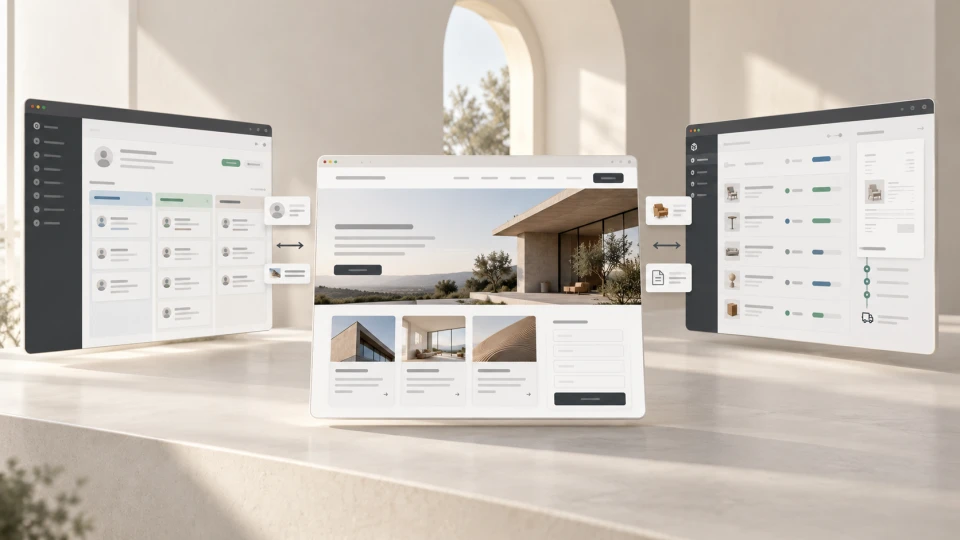
It is worth connecting your website to a CRM or ERP when customer enquiries, orders, prices, stock data or statuses are regularly re-entered manually between several systems.
A well-planned integration lets this data move automatically, reducing repetitive work and the risk of errors. But an integration project does not start with choosing an API. First, you need to understand how data currently moves through the company and where people have to step in manually.
If you first need to understand the concept itself, we explain in a separate article what business systems integration is and when a company needs it. Here we focus on the practical side: how to plan and implement such a connection.
~ 10min
29/10/2026
The first sign: people re-entering the same data
The need for integration often becomes visible in day-to-day work.
The contents of a contact form are copied into the CRM. An order from the online store is entered into the ERP by hand. Stock levels are checked in another system. An invoice is created in yet another tool. The order status then has to be updated in several places again.
Each step may take only a few minutes, but with a larger volume of enquiries or orders it turns into constant administrative work.
A good starting test is simple:
follow one real enquiry or order from the website to the end of the process and mark every place where information is copied, checked or entered again.
These are usually the points with the greatest automation potential.
How to plan a website integration with a CRM or ERP
1. Map the current data flow
Before choosing an API, module or integration platform, map the process that runs in the company today.
Not the ideal process, but the real one.
| Scenario | Simplified flow |
|---|---|
| B2B enquiry | Google / ad → service page → form → email → CRM → salesperson |
| E-commerce | Product → cart → payment → order → ERP → warehouse → invoice → delivery |
| Service booking | Form / calendar → CRM → person responsible → confirmation → communication |
A map like this shows not only the systems that can be connected, but also where duplicate work, waiting and errors currently occur.
Sometimes there is no need to automate the whole process. Connecting one or two stages that create the biggest administrative load is enough.
2. Define the main source of data
The next step is to determine which system manages each type of data as the main source.
| Data type | Possible main source |
|---|---|
| Lead and deal status | CRM |
| Product price | ERP or product system |
| Stock level | ERP / WMS |
| Order status | ERP or e-commerce system, depending on the process |
| Invoice data | ERP or accounting system |
| Marketing consent | CRM or email marketing system |
If stock levels are managed in the ERP, the online store should not keep a separate stock level that someone regularly corrects by hand.
The same applies to prices, customer statuses and other data.
If two systems are both treated as the main source for the same data, integration can create conflicts rather than prevent them.
3. Define which data needs to move
There is no need to transfer everything between systems just because the API technically allows it.
The more fields, conditions and exceptions, the more there is to test and maintain.
For example, a B2B enquiry form can pass the name, company, email, phone, selected service, comment and lead source to the CRM. That is often enough for a salesperson to get started.
If you need to clarify the role of a CRM system in this kind of process, we explain it in a separate glossary article.
In practice, before development it is worth creating a simple data map for each important field:
| Question | Example |
|---|---|
| What is it? | Order status |
| Where does the data originate? | ERP |
| Where does it need to go? | Online store |
| When does it change? | When the fulfilment status changes |
| Which is the main source? | ERP |
| What happens to duplicates? | A process rule must be defined |
Duplicate logic is especially important.
If an existing customer submits an enquiry again, it must be clear whether the CRM creates a new contact, updates the existing one or creates a new deal.
This is not just a technical decision for the developer. It is a business process question.
4. Choose the right type of connection
Not every integration needs custom programming.
| Approach | When it is useful |
|---|---|
| Ready-made module or connector | If the systems already have a stable connection and the process is standard |
| API integration | If specific data needs to be passed or custom business logic is required |
| Webhook | If one system needs to notify another immediately after a specific event |
| Import / export | If real-time synchronisation is not needed |
| Integration middleware | If several systems need to be connected and more complex rules handled |
For a simple process, a custom integration can be unnecessarily complex.
On the other hand, a ready-made module is not the right choice just because it exists. It has to support the specific company's data structure and workflow.
5. Plan for error scenarios, monitoring and ownership
An integration is not finished just because data moved successfully once in a test environment.
In real use, an external API may not respond, authentication may expire, a required field may be empty, an unexpected value may appear in the system, or part of the process may work while the next step fails.
That's why, even before development, it must be clear how errors are logged, whether a failed record can be resent, who gets notified and how the company can see whether synchronisation is still working.
Ownership after launch is important too.
The company needs to know who receives information about a problem and who can make decisions if the business process or integration rules change.
Simple technical visibility is useful:
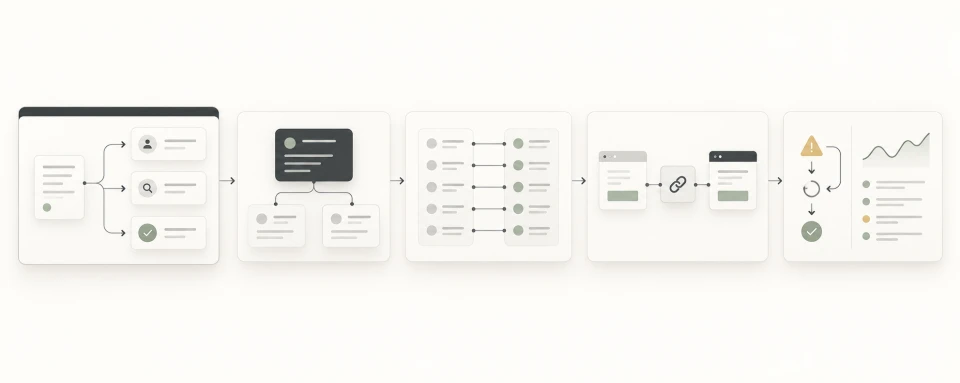
processed records → failed records → last successful sync → error reason
For a business-critical process, a fallback scenario should also be planned, such as re-synchronisation or the option to process data manually.
The goal is not to build a system that never fails. The goal is to build a system where errors can be spotted and handled quickly.
What does website integration look like in practice?
Website enquiry → CRM
One of the most common B2B scenarios is connecting a website form to a CRM.
Without integration:
website form → shared inbox → manual entry into CRM → salesperson
With integration:
website form → CRM → automatic assignment → salesperson → faster first response
The CRM can store not only the customer's contact details, but also the selected service, lead source and other data needed for sales.
The result is not just less manual work. The salesperson receives the enquiry sooner and can start working with the customer.
E-commerce order → ERP
In e-commerce, manual work often starts after the customer has already made a purchase.
A typical flow might be:
order → ERP → warehouse → documents → fulfilment
And in the opposite direction:
ERP → prices / stock levels / statuses → online store
The result is less manual order administration and more up-to-date data in both systems.
In this model, an ERP system usually manages the company's operational processes, while the CRM focuses more on customers, sales and communication.
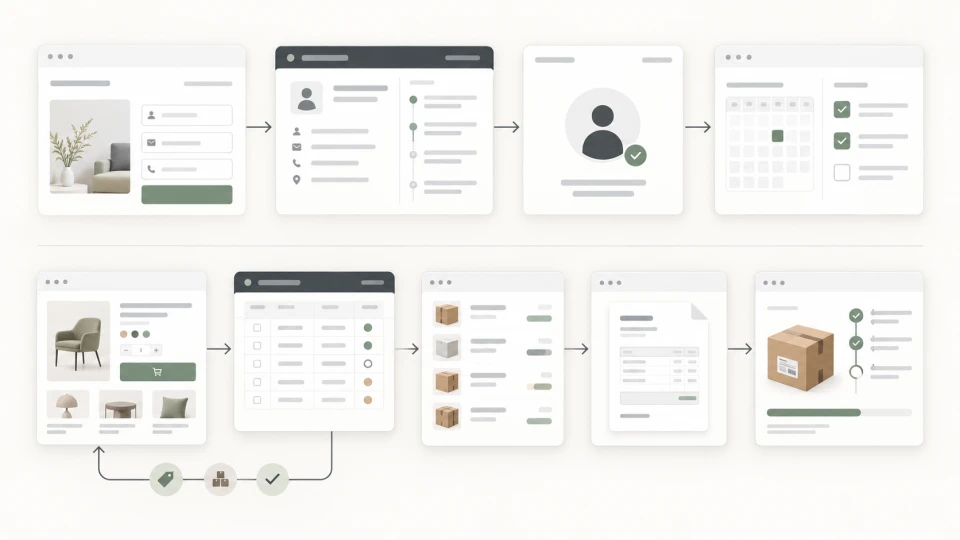
A practical B2B example: from form to sale
A simplified flow might look like this:
Google Ads → service page → enquiry form → CRM → automatic assignment to a salesperson → task → deal status → lead source information
In this process, the website is not just a place to collect contact details. It becomes the starting point of the sales process.
The salesperson can immediately see who has enquired, about which service, from which channel and what the next step is.
In Brandsite business systems development and integration projects, we start planning such solutions with the real process, data and responsibilities. Only then do we choose the most suitable technical connection.
When should you not build an integration?
Integration is not a goal in itself.
If a process happens rarely, the manual step takes little time and the risk of errors is minimal, developing automation may not be economically justified.
It is also not worth automating a process that is not yet clear in itself.
If two departments understand differently what should happen after a new order, an API will not resolve that ambiguity.
Automating a poorly defined process usually just speeds up the mess.
First agree on the workflow logic, and only then is it worth automating.
How to measure the value of an integration
An integration's results should not be measured only by the fact that "the API works".
Before the project, it is worth recording the current situation:
| Metric | What to compare |
|---|---|
| Manual work | How much time re-entering data takes |
| Errors | How often incorrect or inconsistent data has to be fixed |
| Response time | How quickly an enquiry reaches the person responsible |
| People involved | How many people manually handle one record |
| Process speed | How much time passes from enquiry or order to the next step |
After the integration, the same metrics can be compared.
In B2B sales, one of the most significant benefits can be response speed. If an enquiry automatically lands in the CRM and is assigned to the person responsible, the salesperson doesn't have to wait for someone to forward an email.
In e-commerce, the value more often shows in more accurate stock data, faster order processing and less manual document work.
Not every benefit needs to be converted into money. Data quality, process visibility and the ability to handle more orders without a proportional increase in administrative work are also important business results.
Frequently asked questions
Can a website be connected to any CRM?
Often yes, if the CRM provides an API, forms, webhooks or another way to exchange data. Before development, the technical capabilities and limitations of the specific system need to be checked.
If you are still choosing a CRM, you can find a comparison of popular platforms in CRM Systems: Popular Choices for Latvian Businesses.
Does CRM integration always require custom programming?
No. In some cases a ready-made form, module or connector is enough. Custom development becomes necessary when the data structure or business process is specific.
Can an ERP integration synchronise stock levels?
Yes, if the ERP or warehouse system provides the necessary data access. You need to determine which system is the main source of stock levels and what the synchronisation rules are.
How much does a CRM or ERP integration cost?
The cost depends on the systems' technical capabilities, the number of data fields, sync directions, error handling and the business logic required. Connecting a simple form to a CRM and building an integration layer for several systems are projects of very different scope.
What is the value of website integration?
The value of website integration is not the technical connection itself. The value is that data moves between systems predictably, the team doesn't have to enter the same information again and again, and errors can be spotted quickly.
If data between your website, CRM, ERP or other systems is regularly re-entered by hand, Brandsite can help plan the data flow and the most suitable integration solution as part of our business systems development and integration services.