

CRM Systems: Popular Choices for Latvian Businesses
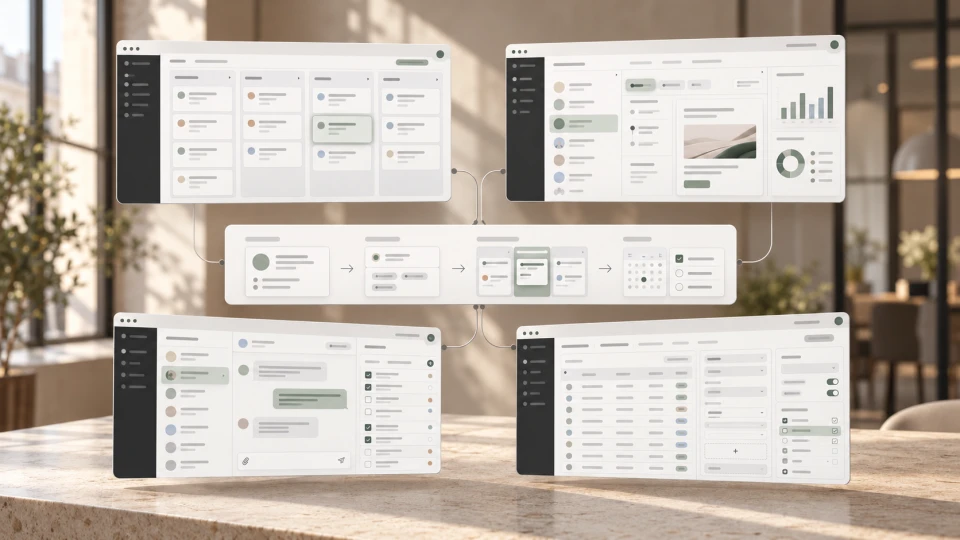
When choosing a CRM system, Latvian businesses often compare platforms such as HubSpot, Zoho CRM, Pipedrive, Bitrix24, Salesforce and Microsoft Dynamics 365 Sales.
There is no single CRM system that is best for everyone. The right choice depends on the company's sales process, team, the automation it needs, integrations and budget.
In this article, "popular" does not mean an official ranking of CRM market share in Latvia. We compare internationally widely used platforms that Latvian businesses should consider when looking for a sales and customer relationship management solution.
If the concept of CRM itself is not yet clear, our article What is a CRM system? briefly explains how a CRM helps manage leads, deals and communication.
~ 6min
29/10/2026
A quick comparison of CRM systems
| CRM system | Usually best suited for | Strength | What to assess |
|---|---|---|---|
| HubSpot | Marketing and sales teams | Marketing, sales and customer service in one ecosystem | Costs and the scope of features needed as the company grows |
| Zoho CRM | Small and medium-sized businesses with a customisable sales process | Extensive configuration and automation options | The structure and processes need planning so the setup doesn't become overly complex |
| Pipedrive | Sales teams with a clear deal process | A visual, easy-to-understand deal pipeline | The add-ons required and the company's wider needs |
| Bitrix24 | Teams that want CRM together with work and communication tools | Many features in one environment | The wide range of features requires careful configuration |
| Salesforce | Companies that need broader customisation, automation and integrations | An extensive CRM ecosystem and customisation options | Implementation and administration can be more demanding |
| Microsoft Dynamics 365 Sales | Companies already using Microsoft business tools | The Microsoft ecosystem and Power Platform integrations | Licences, architecture and implementation scope |
HubSpot
HubSpot can be a good fit for companies that want to bring contacts, sales, marketing and customer service together in one customer platform.
It is especially useful when the CRM is not just a tool for salespeople, but part of a wider customer journey.
HubSpot also offers free starter functionality, while paid plans are available for broader sales, marketing and customer service needs.
Zoho CRM
Zoho CRM is a flexible solution for companies that want to customise sales stages, fields, automations and data flows.
It can suit a small or medium-sized business that has outgrown a simple contact list and needs more control over its sales process.
Zoho also offers web forms that can pass enquiry data to the CRM automatically and apply assignment or auto-response rules.
Pipedrive
Pipedrive's main advantage is its clear, visual deal pipeline logic.
It can be especially intuitive for companies whose sales process is built on sequential stages:
lead → deal → sales stage → next step
The Pipedrive ecosystem also includes website enquiry forms whose submissions can be passed to the CRM. Availability depends on the chosen plan and add-ons.
Bitrix24
Bitrix24 is broader than a classic sales CRM. It combines customer management with tasks, projects, communication, documents and other work tools in one environment.
That can be a benefit for a team that wants to manage several processes on one platform.
At the same time, many features do not mean the company needs all of them. Before implementation, it is important to define which Bitrix24 features the company will actually use.
Salesforce
Salesforce offers extensive CRM customisation, automation and integration options.
It can suit companies that need to configure more specific sales processes, connect several systems or build a broader CRM architecture.
Salesforce also offers solutions designed for smaller businesses, so company size alone is not the main selection criterion. It is more important to assess the functionality needed, the scope of implementation and administration.
Microsoft Dynamics 365 Sales
Microsoft Dynamics 365 Sales can be a logical candidate for companies that already use Microsoft 365, Power Platform or other Microsoft business solutions.
The system is designed for managing accounts, contacts, leads and sales opportunities, and one of its advantages is its connection to the Microsoft ecosystem and Power Platform tools.
How to choose a CRM system for your business
A CRM should not be chosen based on the best-known brand or the longest feature list.
Before comparing platforms, it is worth answering five questions:
| Question | Why it matters |
|---|---|
| How does selling work today? | The CRM has to support the real sales process and the visibility the company needs |
| How many people will use the CRM? | This affects licences, roles and access |
| What needs to be automated? | Different teams need different levels of automation |
| Which systems will the CRM need to connect to? | The website, ERP, email, calendar and other tools can be decisive |
| Who in the company will administer the CRM? | A more complex system without a responsible person is often not used to its full potential |
Define the process first, and only then choose the CRM.
If the main problem is manually transferring enquiries or other data between your website and CRM, our article on connecting your website to a CRM or ERP explains how to plan that data flow in practice.
Frequently asked questions
Which CRM system is best for a small business?
There is no single universally best system. For a small business, easy implementation, a clear sales process, the integrations needed and cost are often more important than the widest possible range of features.
Are there free CRM systems?
Yes. Some CRM platforms have free starter plans or free functionality. Keep in mind that free versions usually have limits on users, features, automation or other aspects, so check the current terms before choosing.
Can a CRM be connected to a WordPress website?
Yes. Depending on the CRM and the website setup, the connection can be built with a website form, a ready-made plugin, an API, a webhook or a custom integration.
Can you switch CRM systems later?
Yes, but migration may involve transferring contacts, companies, deals, activities and other data.
That's why, before choosing a CRM, it is worth checking the data export options and how difficult it will be to switch systems in the future.
Which CRM system should you choose?
A CRM should not be chosen based on the most features or the best-known brand. The most practical solution is the one that fits the company's sales process, integrations, team capabilities and budget.
Latest articles
Connecting Your Website to a CRM or ERP: Cutting the Manual Work
WordPress or Webflow for Your Business Website?

What Is an ERP System?
