

Online store automation: how to connect e-commerce with ERP, CRM and delivery?
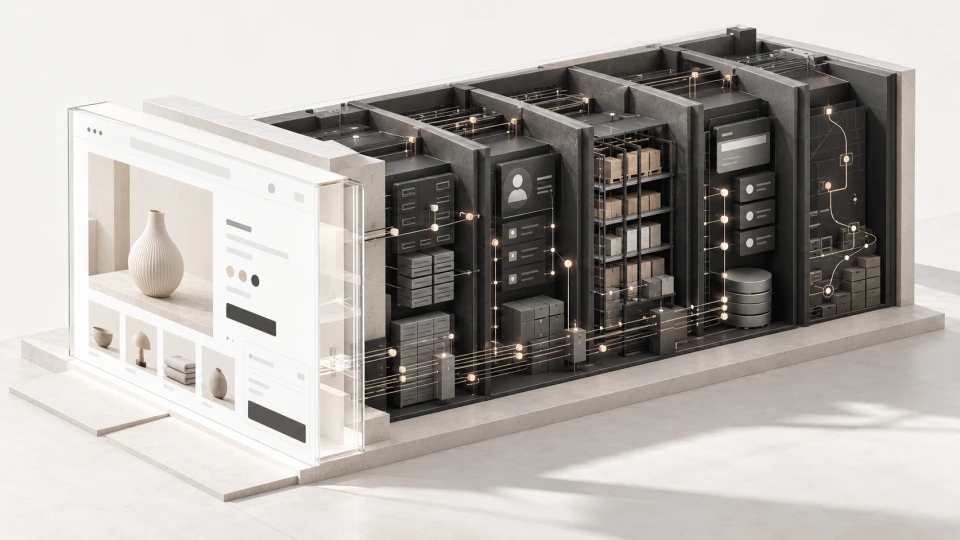
Online store automation means connecting your e-shop with ERP, CRM, warehouse, payment and delivery systems so that data moves between them automatically and your team doesn’t have to enter the same information again and again.
An online store can successfully accept orders, but that doesn’t mean the company’s e-commerce process is efficient.
If after every purchase someone on the team has to manually re-enter the order into the ERP or accounting system, check stock levels, create an invoice, prepare a shipping label or update customer data in the CRM, the problem is often not the online store itself. The problem is that the systems aren’t connected to each other.
The goal of e-commerce automation is not to automate absolutely everything. What matters more is eliminating the manual tasks that repeat with every order and start slowing down business growth.
That’s why online store development should cover not only the storefront the customer sees, but also what happens to the order after the purchase.
~ 10min
22/10/2026
When does an online store need process automation?
At first, many tasks can be done manually.
With a few orders a day, an employee can check the warehouse, enter information into the accounting system and prepare the shipment. As the number of orders grows, the same process becomes an increasingly heavy workload.
Typical signs include:
- the same order is entered into several systems;
- stock levels in the online store and the company system don’t match;
- invoices are prepared separately;
- delivery data is copied manually;
- customer data is entered into the CRM several times;
- product prices and descriptions have to be changed in several places;
- B2B customer prices are kept in separate spreadsheets;
- the team regularly has to check whether data matches across systems.
If sales volume grows but every additional order proportionally increases manual work, the e-commerce process doesn’t scale with the business.
Where does the most manual work occur in e-commerce?
To understand what to automate, you don’t need to start with a list of technologies.
A good first step is to follow one real order from product selection to delivery.
For example:
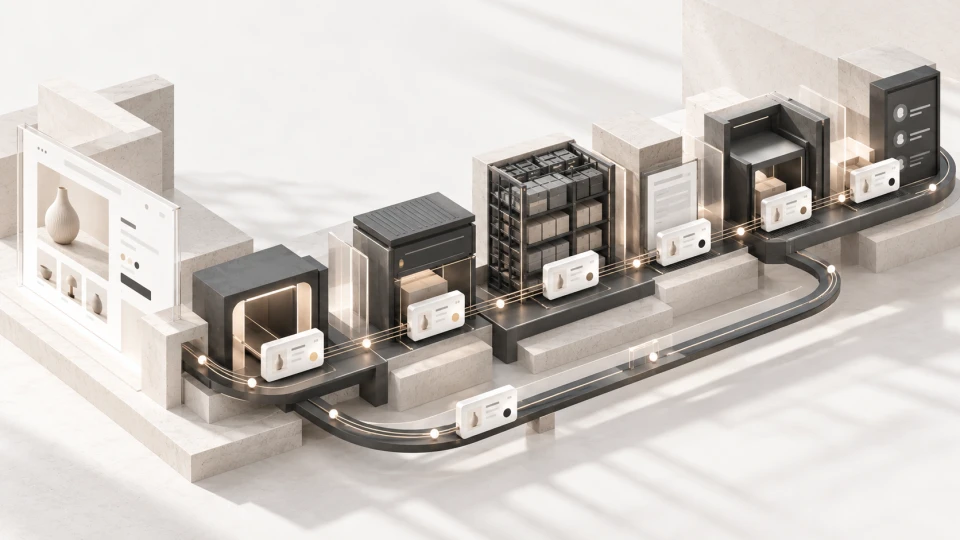
Product → cart → payment → order → warehouse → invoice → delivery → CRM → customer communication
At each stage, ask three questions:
- Is data entered manually here?
- Does the same data already exist in another system?
- Is a person doing something at this stage that the system could do automatically?
Places where data is repeatedly copied, checked or where statuses are changed manually are usually the first candidates for automation.
What should you automate first in an online store?
The priority shouldn’t be the number of integrations. Start with the tasks that repeat most often and create the biggest administrative workload or risk of errors.
Product and price data synchronisation
If the product name, price, SKU, stock level or other information is already maintained in the ERP or warehouse system, assess whether this data should reach the online store automatically.
An important principle is to define the main source of data.
The same data shouldn’t have to be maintained manually in several systems.
For example, if the ERP is the main source of product stock, the online store should receive the current stock level from the ERP rather than keep a separate number.
Passing orders to ERP or accounting
Orders can be passed automatically to the company’s ERP, accounting or other business system.
Depending on the company’s process, it can receive:
- customer information;
- ordered products;
- SKU;
- quantity;
- prices;
- VAT;
- delivery information;
- payment status.
This reduces the need for repeated data entry.
Payment statuses
The online store must be able to understand what happened with a payment.
Depending on the payment provider, one integration can offer bank payments, cards, Revolut, Apple Pay, Google Pay and other payment methods.
What matters is not only the moment of payment itself.
It also needs to be clear:
- what happens after a successful payment;
- what happens if a payment fails;
- how refunds are handled;
- at what point the order is passed on for fulfilment.
Delivery automation
A delivery integration can reduce manual work by passing the necessary order data to the carrier and automating part of the shipment preparation process.
Depending on the solution, you can automate:
- parcel locker selection;
- address transfer;
- shipment creation;
- label generation;
- tracking information;
- order status.
For example, in the Brandsite Addores project, an Omniva integration with automatic parcel locker label generation was implemented, reducing manual work in order processing.
CRM and customer communication
The goal of a CRM integration shouldn’t simply be to “connect the CRM”.
First, define:
- what data needs to be sent;
- at which point in the process it should be sent;
- what the company’s team should do with this data next.
Customer communication can also be automated, for example order confirmations, status changes or other messages required by the specific business process.
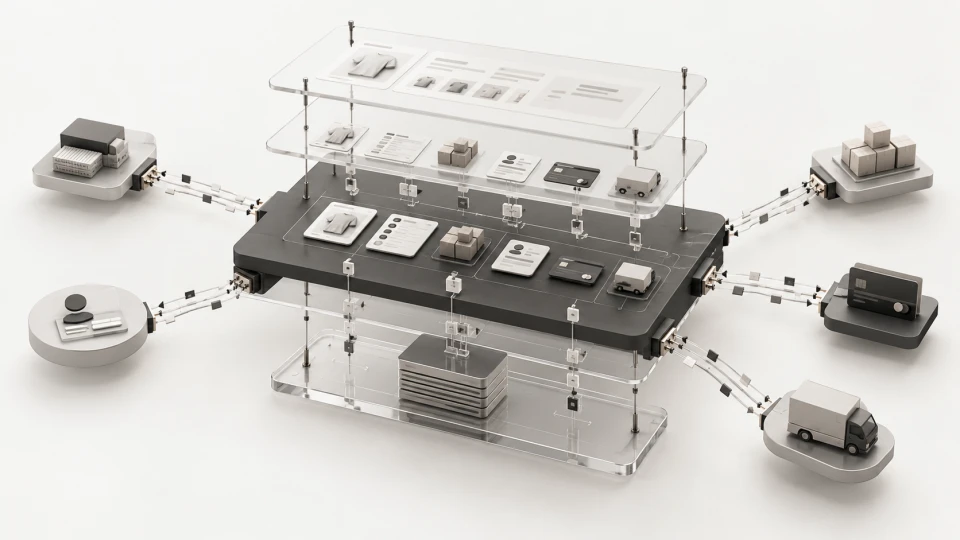
Business systems and integrations become especially important when the e-commerce process spans several company systems.
Which systems are most often connected to an online store?
The exact set of integrations will be different for every company.
| System type | Examples | What can be automated |
|---|---|---|
| ERP / accounting | Directo, Visma Horizon, Business Central, Odoo | Orders, products, prices, stock, documents |
| CRM | Bitrix24, Zoho CRM, HubSpot, Pipedrive, Salesforce | Customer data, enquiries, segments, sales process |
| Payments | Montonio, MakeCommerce, Klix, Stripe, Paysera | Payment statuses, payments, refunds |
| Delivery | Omniva, DPD, Venipak, Latvijas Pasts, DHL, UPS | Parcel lockers, shipments, labels, statuses |
| Product channels | Salidzini.lv, KurPirkt.lv, 220.lv, Google Merchant Center, Meta Catalog | Products, prices, stock |
| Marketing and analytics | GA4, GTM, Meta Pixel, Brevo, Mailchimp | Conversions, audiences, communication |
This is not a list of systems that every online store must have.
The most important thing is to understand where the company’s data currently lives and where it needs to go automatically.
Specific integration options depend on the chosen system’s API, data export and import capabilities, and the company’s business process.
Can B2C and B2B sales be combined in one online store?
In many cases – yes.
One e-commerce system can use customer groups, individual prices, volume discounts, different payment terms and other order processing logic.
This makes it possible to manage B2C and B2B sales in one system while keeping a suitable buying process for each customer group.

WooCommerce or a custom e-commerce solution?
Not every integrated online store needs custom development.
Properly built WooCommerce development can also suit e-commerce with payment, delivery, ERP, CRM and other integrations, if the required business process can be implemented well within the platform.
A custom solution becomes more justified when you need non-standard pricing logic, complex user roles, specific data flows, marketplace functionality or other processes that no longer fit well into a ready-made e-commerce platform.
Such projects may also require web application development.
The technology choice should be based on the required business process, not the other way around.
When do you need a custom API integration?
A ready-made plugin is a good solution when it handles the required process well.
However, integration becomes more complex when you need to synchronise, for example:
- several warehouses;
- different customer price groups;
- individual B2B prices;
- specific order statuses;
- product data from several systems;
- complex delivery logic.
In this case, it’s not enough to ask:
“Do the systems have an API?”
You also need to plan:
- which system is the main source of data;
- in which direction data moves;
- how often synchronisation happens;
- what happens in case of an error;
- whether failed synchronisation is retried;
- how the team finds out that data wasn’t sent;
- how data duplication is prevented.
If customer or order data is passed between systems, you also need to plan access rights, secure storage of API keys and error logs.
It is exactly these details that often determine whether an integration will be reliable day to day.
E-commerce automation examples from Brandsite projects
Automation can mean completely different things in different projects.
In the Addores project, an Omniva integration helped automate the preparation of parcel locker shipping labels.
In the Bluetti e-commerce project, XML product data feeds to Salidzini.lv, 220.lv and KurPirkt.lv were used.
In the Swim project, multi-warehouse stock management was implemented for the Latvian and Estonian markets.
In the Vedam project, product sales, moving box rentals and service bookings were combined in one digital environment, complemented by a CRM, Google API address input and automated customer communication.
Read more about this solution in the Brandsite article on how to combine sales, rentals and CRM in one e-commerce system.
These examples show that e-commerce automation is not one specific feature. It’s about organising a specific company’s process.
How to prepare for an online store integration project?
Before technical development, it’s worth preparing answers to a few practical questions.
1. Where is product data currently stored?
In the ERP, the online store, an Excel file, with the supplier or in several places?
2. Which source is the main one?
If a price differs between two systems, which one should be trusted?
3. What happens after a new order?
Write down the process step by step until the customer receives the product.
4. Which tasks does the team do manually?
Pay special attention to re-entering data and repeated checks.
5. What exceptions tend to occur?
For example:
- a payment fails;
- a product is no longer available;
- the ERP can’t be reached;
- the courier doesn’t return a status;
- customer data is incomplete.
A good e-commerce process should be designed not only for the ideal scenario, but also for exceptions.
What affects the cost of e-commerce automation and integrations?
Two visually similar online stores can have very different development scopes.
A store with a product catalogue, payments and one delivery integration is technically different from a solution that needs to exchange data between ERP, CRM, several warehouses, B2B customer groups and external sales channels.
Costs are affected by:
- the number of systems to integrate;
- API quality and documentation;
- data volume;
- synchronisation frequency;
- non-standard business logic;
- error and exception handling;
- the scope of testing.
Read more about overall project costs in our article on online store development cost.
Frequently asked questions
Can an online store be connected to an ERP?
Yes. Depending on the specific ERP and its technical capabilities, you can synchronise products, prices, stock, customer and order information, as well as other data the company needs.
Does an online store need a CRM integration?
Not always. A CRM integration is useful if online store customer or enquiry data is needed in sales, customer service or marketing processes.
Can WooCommerce be connected to an ERP and CRM?
In many cases – yes. The specific solution depends on the systems’ APIs, data structure and the business process.
Do all e-commerce tasks need to be automated?
No. The priority is tasks that repeat often, take a lot of time, create a risk of errors or delay order processing.
When is custom e-commerce development needed?
It becomes justified when the business process can’t be implemented well within a standard platform or the project requires complex pricing, user, data or marketplace logic.
Where to start with e-commerce automation?
Start with the process that currently creates the most repetitive manual work.
Identify:
- where the main data is stored;
- which tasks repeat with every order;
- where data is entered more than once;
- where errors occur most often;
- which process will become a problem if the number of orders doubles.
The quality of a stable e-commerce system is determined not only by whether a customer can make a purchase. It’s just as important how efficiently the order then moves through sales, warehouse, accounting, delivery and customer communication.
Brandsite helps companies develop e-commerce solutions and integrations that connect the customer’s buying journey with the company’s internal processes.
Latest articles

How to choose a website development company for your business project?

How to combine sales, rentals, services and CRM in one e-commerce system

How to Build an Online Store in 2026: A Practical Guide for Businesses
